Book appointments without the hassle
Create your booking page in minutes. Customers pick a service, choose a slot, and you stay organized.
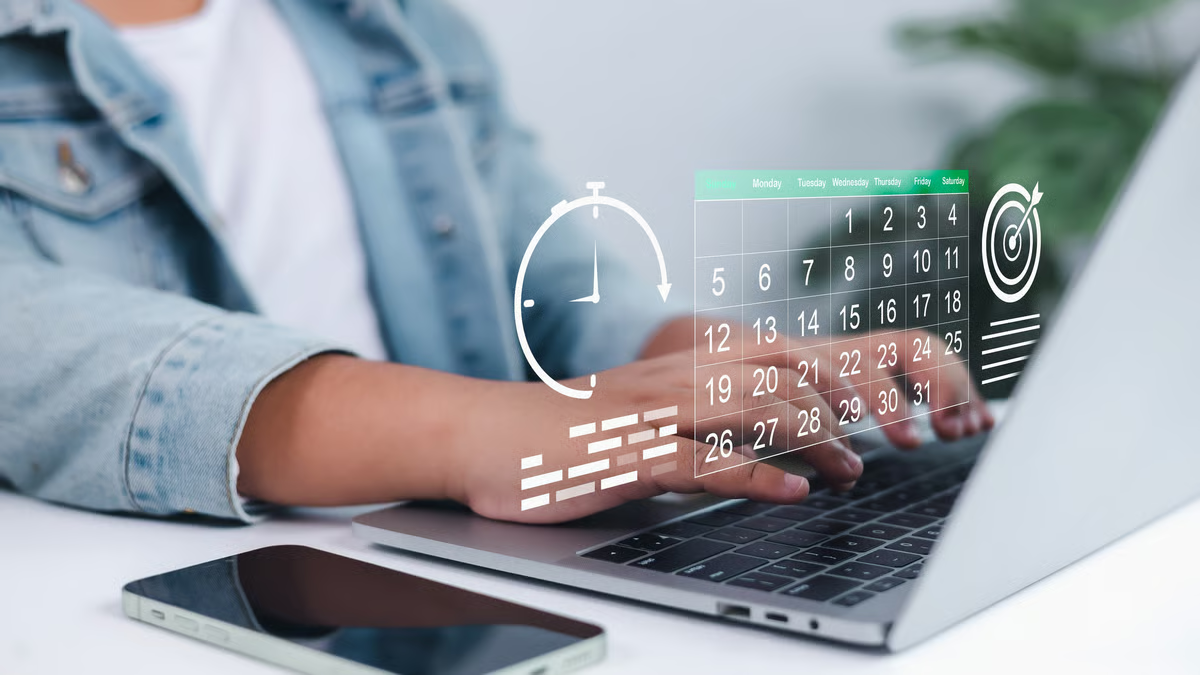
Browse Top-Rated Businesses
Find and book appointments with the best service providers in your area. Search by category or browse featured businesses.

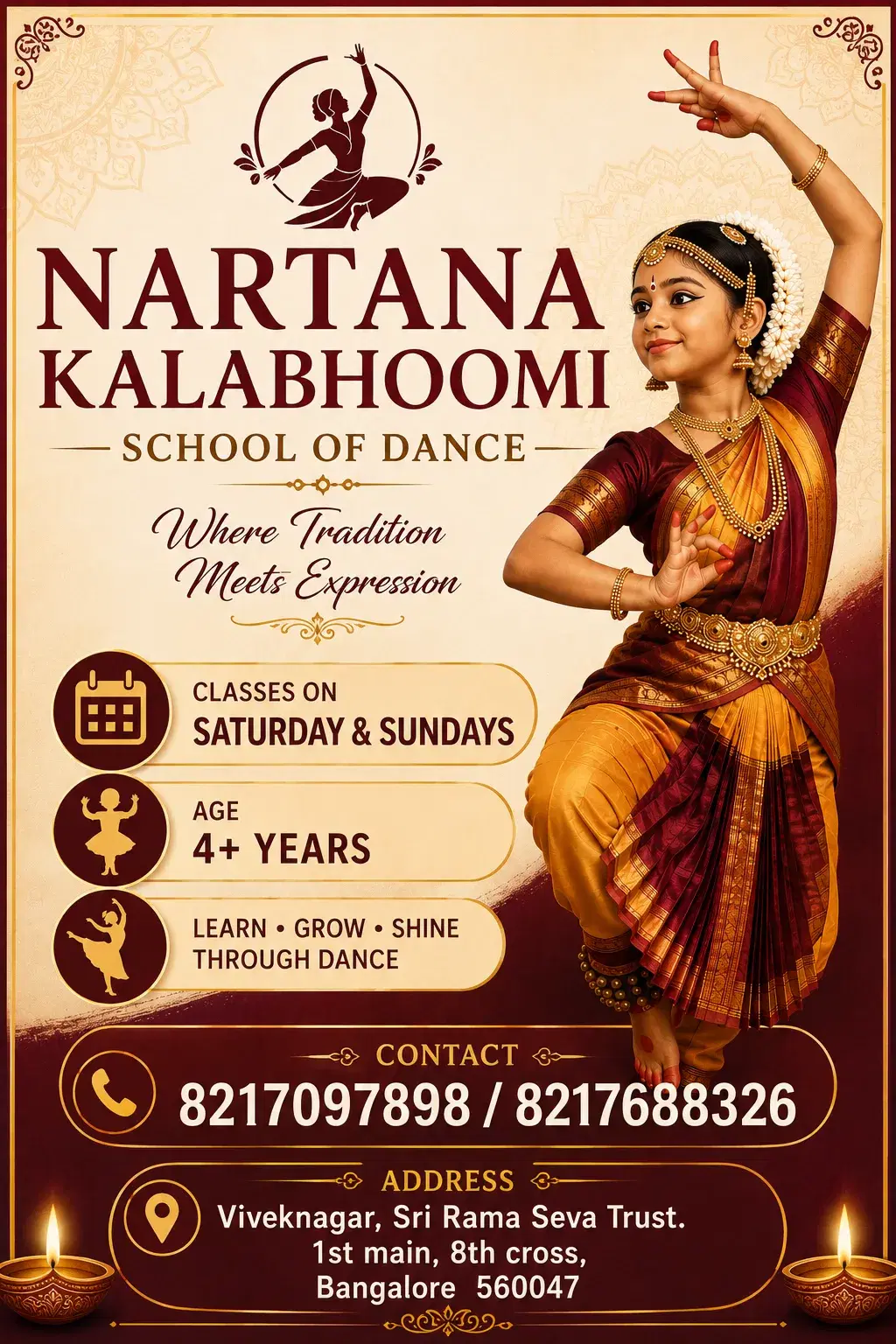










Offers for you
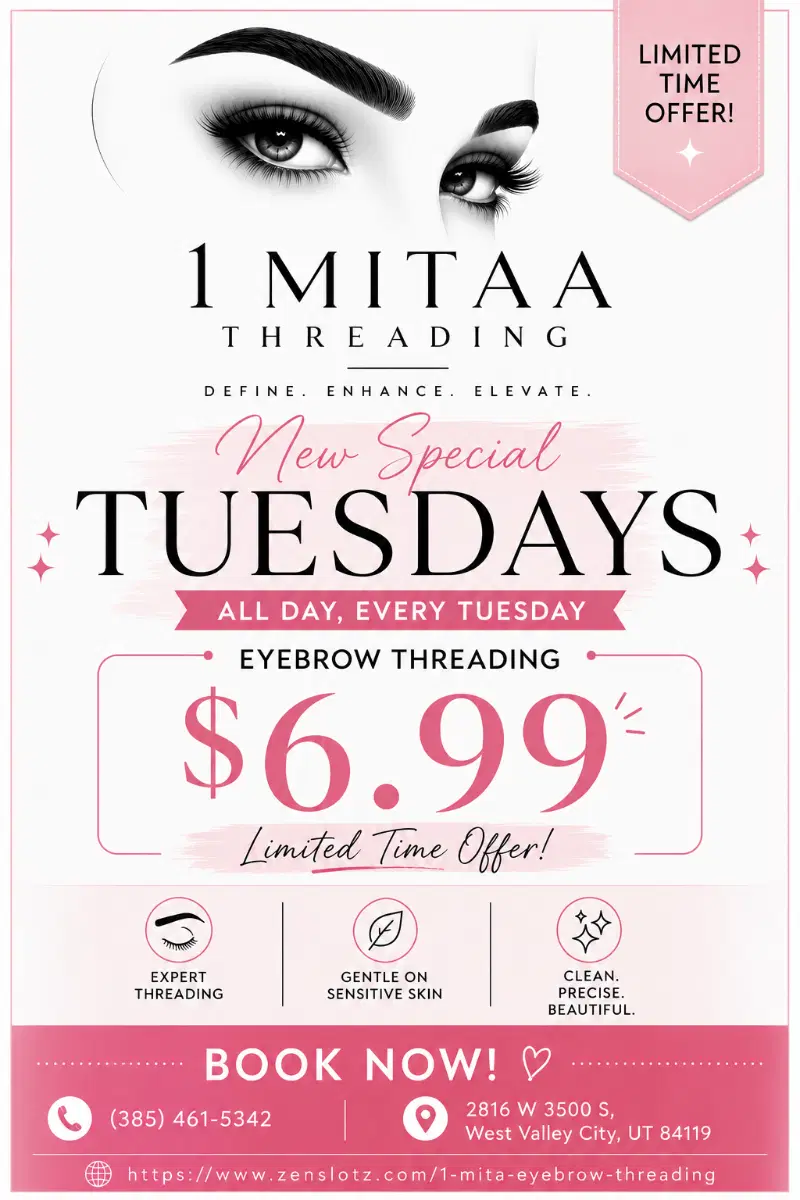
Limited-time deals and highlights from businesses on ZenSlotz—tap an offer to open their booking page.

Find businesses near you
Tap a category to explore matching businesses on ZenSlotz.
How booking works on ZenSlotz
ZenSlotz is a directory of independent businesses, each with its own booking page. When you book, you are scheduling directly with that business—their services, their availability, and their confirmation rules apply.
1. Find a business
Search or filter by category, then open a business profile. You will see their public services, team (if they list staff), and any locations they publish.
2. Pick a time that fits
Choose a service and an available slot based on the hours and rules that business configured. Slot length and pricing come from their listing—not a generic template.
3. Confirm your appointment
Submit your details so the business can prepare for your visit. If the business requires a customer account or verification, you will be prompted on their booking page.
New to online booking? Read our Help Center and guides. Running a business and want the same experience for your customers? See ZenSlotz for businesses for plans, team scheduling, and dashboard tools.
Frequently asked questions
Straight answers about discovering businesses and booking appointments on ZenSlotz.
Privacy, reminders, and your data
ZenSlotz is built for appointment discovery and scheduling. Here is what customers should expect in typical setups—each business may tighten or loosen details in their own flow.
Sign-in when needed
You may book as a guest or create a customer account when the business requires it for history, rescheduling, or loyalty.
Reminders by email or SMS
If the business turns on reminders, you will receive them from their configured channels. Check spam folders if you do not see a confirmation.
HTTPS in the browser
Booking pages load over a secure connection. Still verify the business name, address, and price on screen before you pay or share sensitive health information.
You control contact details
Only provide what you are comfortable sharing for that appointment. If something looks off, stop and contact the business through a channel you already trust.
Kinds of businesses you can book here
ZenSlotz works for solo professionals and small teams. The directory grows as more businesses publish a public page—use search and categories to find a match near you or online.
- Salons, barbers, and beauty studios
- Clinics, therapists, and wellness coaches
- Consultants and coaches (video or in-person)
- Studios for fitness, music, or tutoring
- Trades and on-site services that publish slots
- Any team that sells time-based appointments
Own one of these? Create your business profile and share your booking link on social, email signatures, and Google Business Profile.
Before you book: a quick checklist
A few minutes of reading saves confusion later—especially for first visits, deposits, or health-related services.
- Confirm the business name and location (or video link) on the booking page.
- Read duration, add-ons, and cancellation rules before you pay a deposit.
- Note what to bring (ID, insurance, patch test, forms) if the business lists prerequisites.
- Save the confirmation email or SMS; it is your proof of time and any policy links.
- For minors or dependents, check whether the business requires a guardian on file.
After you book
Arrive a few minutes early if the business asks for intake paperwork. If you need to move the appointment, use the same booking page or the reminder message—do not assume staff saw a DM on social media unless they told you to use that channel.
Customers with accounts can often see upcoming visits in one place; exact features depend on how each business configured ZenSlotz. Customer sign-in is separate from business dashboard login.
Let's Talk About Your Business
Have questions about our platform? Want to schedule a demo? Or just say hello? We'd love to hear from you. Drop us a message and we'll get back to you within 24 hours.
Email us
support@zenslotz.com
Call us
+1 (407) 766-3544, +91 9844928123,
Visit us
3956 S Jester DrSalt Lake City, UT 84123
Working hours
Mon - Fri: 9:00 AM - 6:00 PM
Send us a message
Fill out the form below and we'll get back to you shortly.
Ready to Transform Your Booking
Experience?
Join thousands of businesses that have already simplified their appointment management. Start your free trial today — no credit card required.